
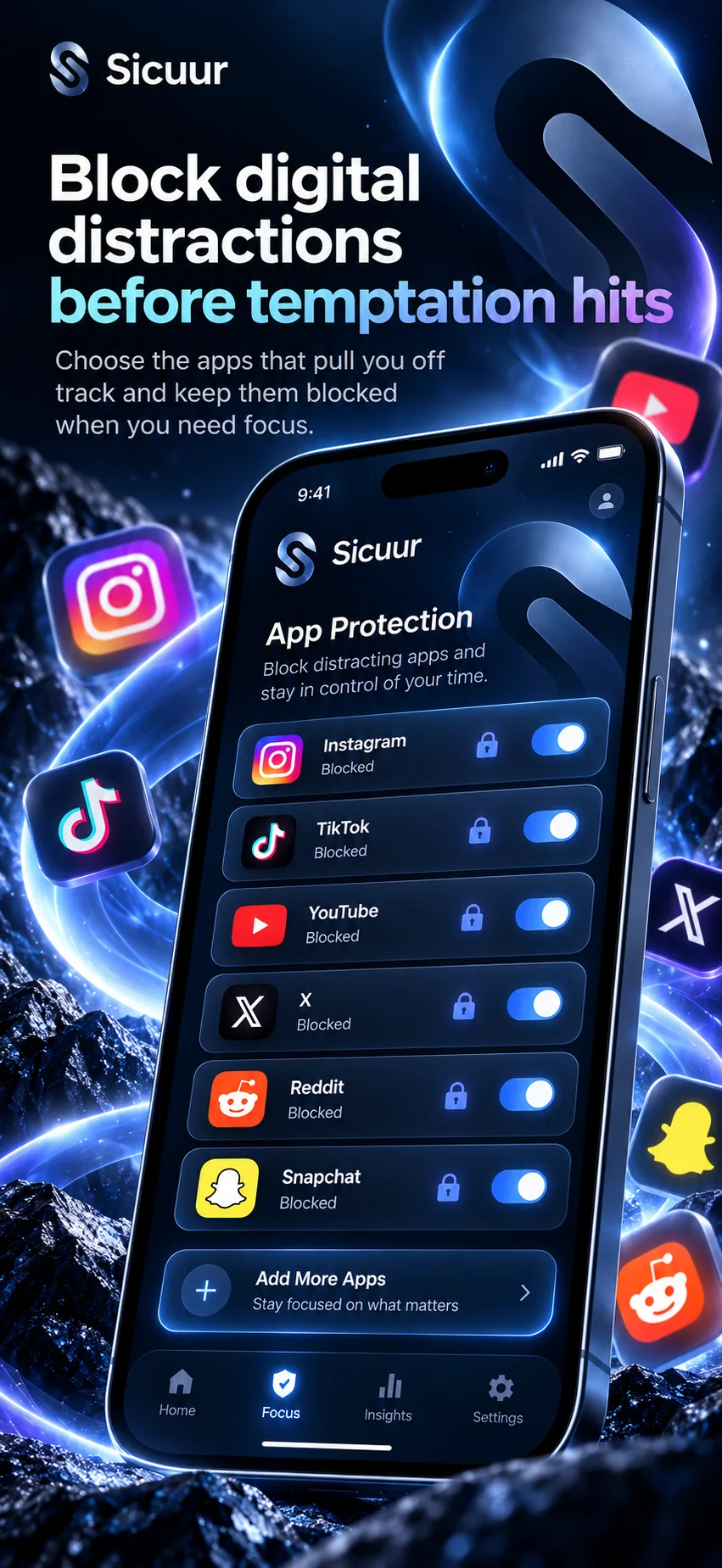
Apple Screen Time already includes tools for managing time and access on iPhone. Before adding anything else, decide what you want the control to do. If you only need a limit or schedule, the built-in option may be enough. If you also want to write down a personal boundary and have a guided Pause beside optional protection, Sicuur may fit that extra need.
What does Apple Screen Time let me do?
Apple’s iPhone guide describes ways to manage Screen Time, including time allowances, scheduled downtime and content restrictions. The available options depend on the iPhone and software version. [1]
If your goal is simply to set a limit or keep certain apps unavailable during chosen hours, review Apple’s built-in settings first. You may not need a separate app for that job. [1]
- Start in Settings and review Screen Time options available on your iPhone.
- Choose a limit or schedule that matches the use you want to change.
- Check how the restriction behaves before relying on it.
When are built-in iPhone controls enough?
Screen Time may cover your need when you want a straightforward limit or schedule and do not need extra prompts or reflection. The best setup is the one you understand and can maintain. [1]
Keep the boundary narrow enough to fit real life. If you need an exception for calls, maps or another practical use, account for that before applying a restriction.
What does Sicuur add to a phone boundary?
Sicuur brings a personal rule, the reason behind it and an alternative action into one plan. It also includes a guided 60-second Pause and private check-ins. Optional Screen Time protection can add app or website restrictions and schedules after you choose the permissions and settings. [2] [1]
That structure is useful only if you want it. Sicuur is not a stronger version of every Screen Time setting, and it does not guarantee you will follow a plan. The distinction is the plan and Pause around optional protection. [2]
- A rule written in your own words.
- A reason and an alternative to keep the boundary personal.
- A guided 60-second Pause when you want a moment before the next choice.
- Optional scheduled protection for selected apps and websites.
How do I choose between Screen Time and Sicuur?
Name the exact job you need done: set a time limit, block an app during a window, remind yourself why you chose a boundary, or create a moment to pause. Then use the simplest option that covers it. [1] [2]
You can start with Screen Time and add Sicuur later if you want the plan and Pause. You can also use Sicuur’s free plan and Pause without subscribing to Sicuur Plus; protection features are optional. [2]
- Write down the app or activity and the time or situation that matters.
- Check whether Apple Screen Time already handles the restriction you need.
- If you want a personal rule, reason, alternative and guided Pause, review Sicuur’s current listing.
Common questions
Is Apple Screen Time free?
Screen Time is a built-in iPhone feature. Review Apple’s current guide for the controls available on your device and software version. [1]
Should I use Screen Time and Sicuur together?
You can review both, but you may not need both. Screen Time provides built-in controls; Sicuur adds a personal plan, Pause and optional protection. Use the simplest setup that fits your own boundary. [1] [2]
Does Sicuur replace Apple Screen Time?
No. Sicuur uses Apple Screen Time controls for optional app and website protection. It adds a personal plan and guided Pause around that optional protection. [2]
Can I use Sicuur without paying?
Sicuur is free to download and includes a personal plan and guided Pause. Optional Sicuur Plus features have separate in-app purchase prices shown in the UK listing. [2]
Name the part you want help with
Try drafting a boundary first. You can see whether built-in controls are enough before deciding to add anything.
A rule you choose for yourself.
Why it mattersYour reason can keep the choice personal.
Instead, I canChoose one small next move.
This example stays in this browser. It is not saved or sent by this page.
Begin with the simplest useful step
A setting, a written plan or a combination can all be reasonable. Start with the control you need today, review the permissions and terms, and change your approach if it does not fit.
Explore Sicuur for iPhoneFree to download. Optional Sicuur Plus. Check the App Store for current terms.
Sources and product details
Product features are described from Sicuur’s current App Store listing. Apple’s Screen Time options can vary by device and software version.