
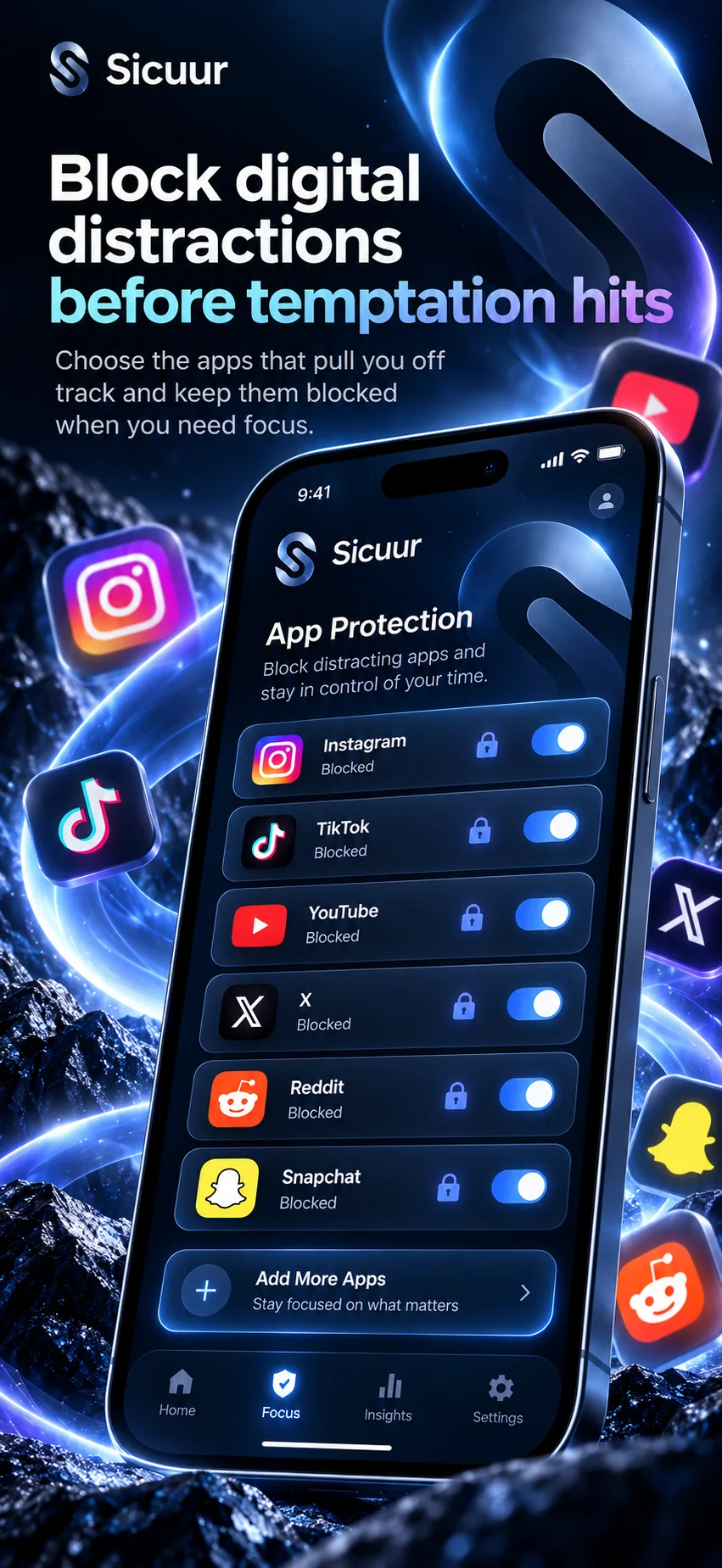
The useful question is not which tool wins in general. It is whether you need a strong block on a computer, help writing and revisiting a personal boundary on iPhone, or both. This guide compares the features each company currently describes and leaves the choice with you.
Which device and moment should I compare first?
Sicuur’s current App Store listing says it is for iPhone and requires iOS 16.4 or later. It describes personal plans, a guided Pause, optional Screen Time protection and scheduled windows. [1]
Cold Turkey’s feature page describes blocking websites and applications, setting weekly schedules, and locking blocks. It includes examples for apps on macOS and Windows. Check its current compatibility details for your own computer before installing. [2]
What blocking features does Cold Turkey document?
Cold Turkey describes configurable website and application block lists, recurring schedules, and lock options such as a timer or waiting delay. It also documents breaks and usage statistics. [2]
That can suit someone looking for a computer-first barrier with controls that are difficult to switch off in the moment. The maker’s feature descriptions are the basis for these points; compare the current product page for details and platform limits. [2]
- You want to block selected websites or applications on a supported computer.
- You want recurring schedules and options that slow down an early unlock.
- Your main need is a configured barrier rather than a written plan.
What does Sicuur add to a phone boundary?
Sicuur lets you write a personal rule, why it matters and what you can do instead. Its guided 60-second Pause gives you a structured moment to revisit that choice. Optional Screen Time protection can cover selected apps and websites on iPhone, subject to the permissions and schedule you choose. [1]
Sicuur does not promise that a plan will be followed or that an urge will disappear. The plan and Pause are there to make your own next choice clearer; app protection is an optional extra layer. [1]
- You want to name a boundary in your own words and keep its reason beside it.
- You want a short guided Pause as part of the same tool.
- You want optional iPhone protection around selected apps and times.
How do I choose between Sicuur and Cold Turkey?
Pick Cold Turkey when you need its documented computer blocking tools. Pick Sicuur when you want a plan and Pause on iPhone, with optional Screen Time protection. If your need spans both, test each one against a specific situation and keep only the parts that help. [2] [1]
If built-in controls already do enough, another tool may add more setup than value. A clear written rule and a practical alternative can also be a useful first step without installing anything.
- Name the device and the exact time or situation that tends to pull you away.
- Decide whether you need a computer block, a personal plan, a Pause, or more than one.
- Check current platform support, permissions, price and cancellation terms on each official listing.
Common questions
Is Sicuur a replacement for Cold Turkey?
They are not a one-to-one replacement. Sicuur is listed for iPhone and centers on a personal plan, Pause and optional Screen Time protection. Cold Turkey documents computer app and website blocking, schedules and lock options. Choose for your device and need. [1] [2]
Does Cold Turkey work on iPhone?
This comparison relies on the features page cited below, which documents applications and websites on computers. Check Cold Turkey’s current product compatibility page for the devices it supports before buying. [2]
Does Sicuur guarantee I will stick to my boundary?
No. Sicuur offers a plan, Pause and optional protection, but it does not guarantee a particular behavior or outcome. [1]
How much does Sicuur cost?
Sicuur is free to download. Optional Sicuur Plus currently lists at £5.99 monthly or £39.99 annually in the UK App Store. Review the purchase screen for renewal terms. [1]
Draft a boundary before choosing a blocker
Write one rule, why it matters, and a realistic next step. The example stays in this browser and is not saved or sent.
A rule you choose for yourself.
Why it mattersYour reason can keep the choice personal.
Instead, I canChoose one small next move.
This example stays in this browser. It is not saved or sent by this page.
Choose the support that fits your moment
A device barrier can help with a defined distraction. A personal plan can help make the decision clearer. Compare the actual features, devices and costs, then choose the amount of structure you want.
See Sicuur on the App StoreFree to download. Optional Sicuur Plus. Listed for iPhone.
Sources and product details
Product features are described from Sicuur’s current App Store listing. Apple’s Screen Time options can vary by device and software version.